There's a lot of noise about AI in development. Half the internet says it'll replace programmers. The other half says its just autocomplete with better marketing.
The truth, as usual, is somewhere in between. I've been using AI assistance for Arduino development for the past year, and I want to share what actually works and what doesn't.
What AI Is Good At
Generating Boilerplate
Every Arduino project starts the same way. Setup the pins. Initialize Serial. Configure WiFi. Set up the main loop.
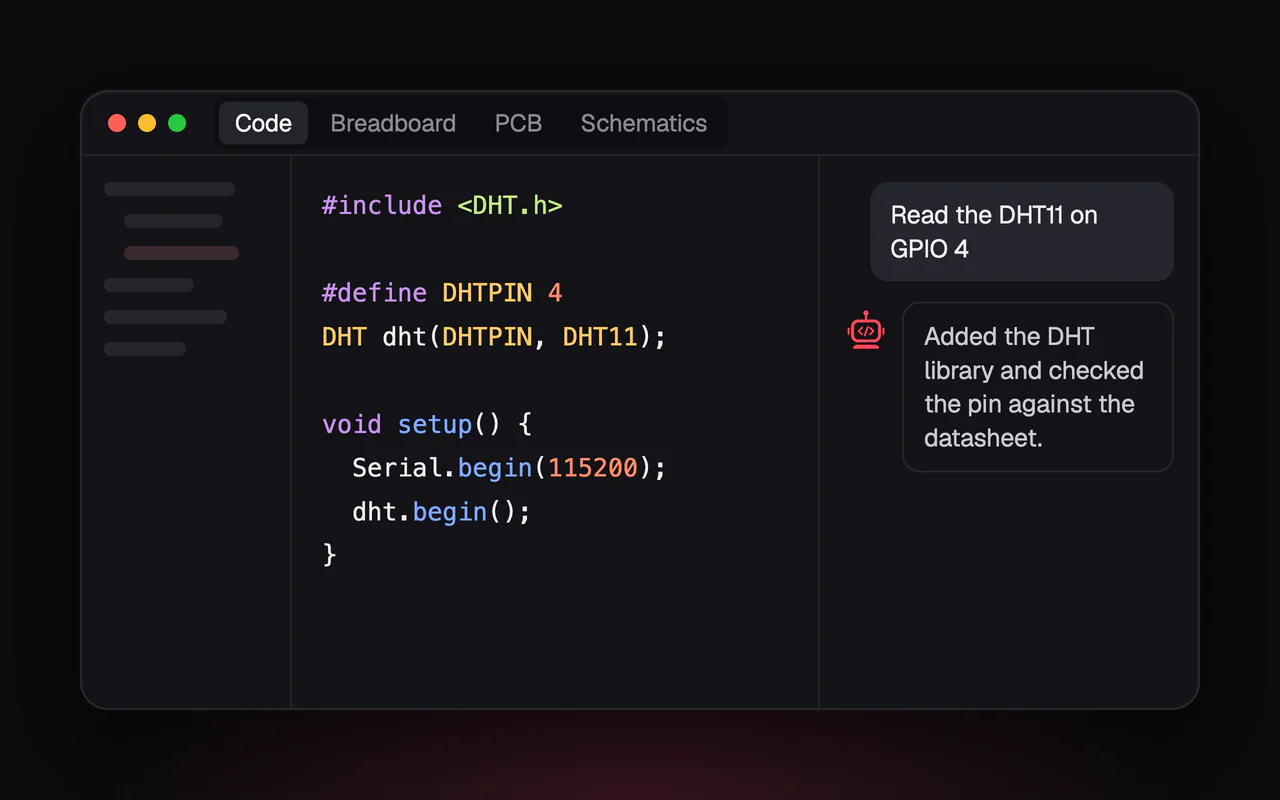
AI is really good at this. Describe what you're building, and it generates a working skeleton. "I'm building a temperature logger that reads from a DHT22 and sends data to ThingSpeak every 5 minutes" and you get a complete starting point.
This saves maybe 20 minutes per project. Not revolutionary, but those 20 minutes are often the most boring part.
Explaining Errors
This is where AI shines brightest. You get a cryptic compiler error, paste it into the chat, and get an actual explanation plus a fix.
The Arduino toolchain is notorious for unhelpful error messages. "No matching function for call to..." could mean a dozen different things. AI figures out which one and tells you what to change.
I've seen beginners go from "I have no idea what this means" to "oh, I need to pass a float instead of an int" in seconds. That feedback loop is valuable.
Library Discovery
"Whats a good library for controlling WS2812 LEDs?"
AI knows about FastLED, Adafruit NeoPixel, and half a dozen alternatives. It can explain the tradeoffs, show example code, and help you pick the right one for your needs.
This used to mean 30 minutes of googling and reading GitHub READMEs. Now it takes 30 seconds.
Adapting Examples
You find an example that almost does what you need. But its for a different board, uses different pins, or expects a slightly different sensor.
AI is good at adapting. "Change this example to use GPIO 5 instead of 13, and add error handling for when the sensor doesn't respond."
It understands the code well enough to make these changes without breaking things.
What AI Is Not Good At
Low-Level Hardware Debugging
When your code compiles but the LED still doesnt blink, AI's usefulness drops significantly.
It can suggest things to check like "Make sure the LED is connected correctly", "Verify the pin is actually GPIO 5 and not D5", but it cant see your breadboard. It doesn't know that your jumper wire has a bad connection or that you're using a 5V LED on a 3.3V board.
Physical debugging still requires physical presence.
Timing-Critical Code
Bit-banging protocols, precise timing loops, interrupt handlers. AI-generated code often works in principle but fails in practice.
I've seen it generate I2C bit-bang code that was technically correct but missed the timing requirements by a factor of 10. The code looked fine. It just didnt work.
For anything timing-sensitive, treat AI output as a starting point that needs carefull testing.
Truly Novel Solutions
AI is excellent at recombining known patterns. Its less good at inventing new ones.
If you're trying to do something that hasnt been done before, a new algorithm, an unusual hardware configuration, a creative optimization, AI will give you generic suggestions that may or may not apply.
How I Actually Use It
First Draft, Then Refine
I describe what I want, let AI generate the first version, then iterate. "Make this more efficient." "Add error handling." "What if the sensor disconnects?"
The first draft is rarely perfect. But its a starting point that already handles the obvious stuff.
Rubber Duck Debugging
Sometimes I explain my problem to the AI just to organize my own thoughts. The act of describing the issue often helps me see what I'm missing.
And sometimes the AI catches something I overlooked. "You're initializing the sensor before the I2C bus. Try moving the Wire.begin() call earlier."
Learning New Concepts
"Explain how the ESP32's deep sleep modes work."
AI is a surprisingly good teacher. It explains concepts in context of what I'm building, with examples relevant to my project. Better than most documentation.
Code Reviews
"Review this code for potential issues."
It catches things like uninitialized variables, missing error handling, and potential memory leaks. Not everything, but enough to be useful.
The Datasheet Thing
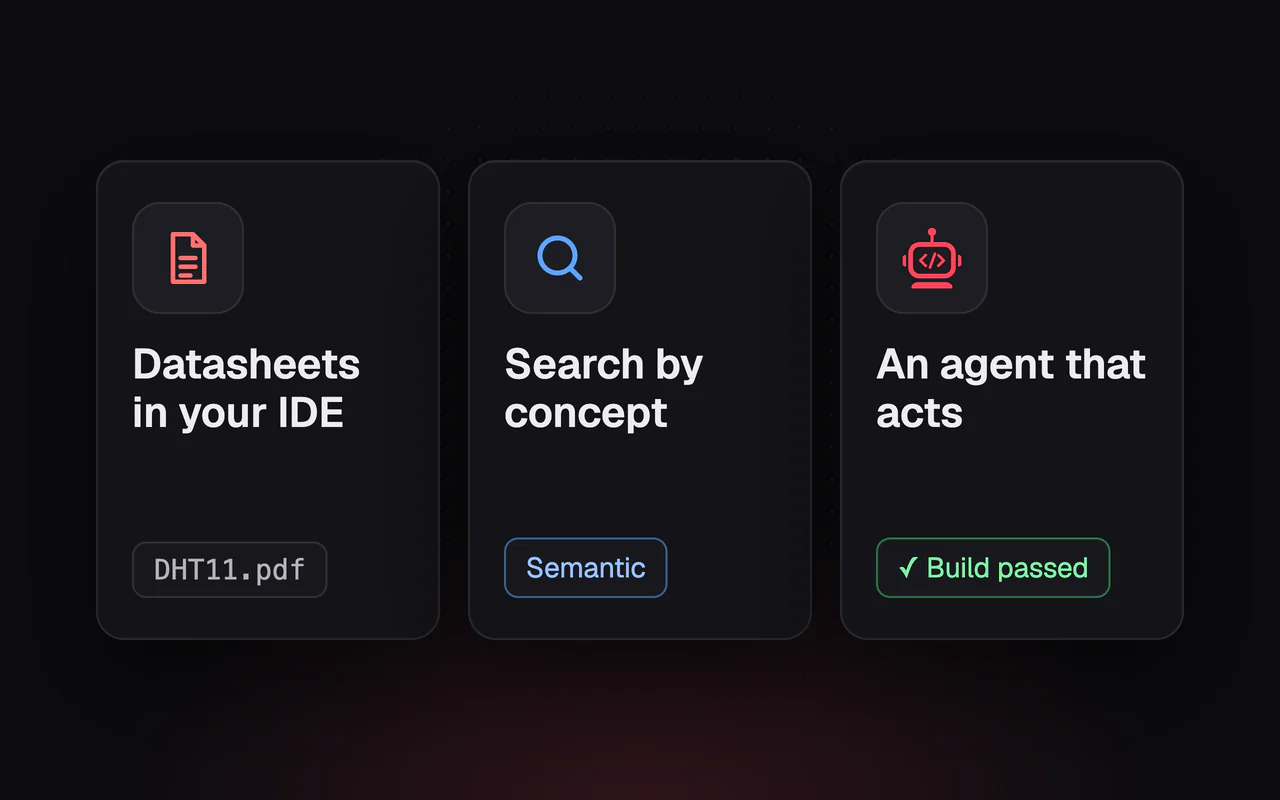
One of Embedr's features I use constantly: importing datasheets.
You drop a PDF for your sensor, motor driver, or whatever component you're using. The AI can now reference that documentation when helping you.
"What's the maximum I2C clock speed for this sensor?"
Instead of finding the PDF, searching for the spec, and interpreting the table, the AI reads it and tells you.
This matters because hardware development involves so much documentation. Every component has a datasheet. Many have application notes. Some have multiple versions with subtle differences. Having AI help navigate that is genuinly useful.
Staying Grounded
AI assistance doesnt replace understanding. I still need to know how I2C works to use I2C. I still need to understand what happens when I enable deep sleep. The AI helps me do things faster, but it doesnt do them for me.
And AI makes mistakes. It hallucinates library functions that dont exist. It suggests pin configurations that don't work on your specific board. It confidently explains things that are subtly wrong.
Use it as a tool, not an oracle. Verify what it tells you. Test the code it writes. Understand why its suggesting what it's suggesting.
The Bottom Line
AI-assisted development is like having a knowledgeable but imperfect assistant. It speeds up routine tasks, helps with debugging, and reduces the friction of learning new things.
It wont turn a beginner into an expert overnight. It wont replace the need to understand your hardware. It wont magically make broken circuits work.
But it makes the development loop faster and less frustrating. And that compounds over time.
Using AI for your hardware projects? I'd love to hear whats working and what isn't. Email us at support@embedr.app.