Embedded development often feels like a constant battle against friction. You're juggling multiple PDF datasheets on one screen, trying to decipher a sprawling, unfamiliar codebase on another, all while stuck in the repetitive cycle of compiling, uploading, and debugging. Its a tax on your focus, a constant context-switching penalty that pulls you away from the creative engineering you set out to do.
For a while, AI in development tools promised relief, but it was mostly limited to suggesting the next line of code. While useful, this autocomplete-on-steroids approach only addresses a small part of the developer's workflow.
Now, AI is evolving from a passive copilot into an active, agentic partner. Its no longer just about completing your thoughts; its about taking action, using tools, and understanding your project on a much deeper level.
This post highlights three surprisingly powerful features in the Embedr IDE that demonstrate this fundamental shift. These arent just incremental improvements; they are capabilities that change the very nature of how you interact with your tools, your code, and your hardware.
1. Your PDF Datasheets Are Now First-Class Citizens in Your IDE
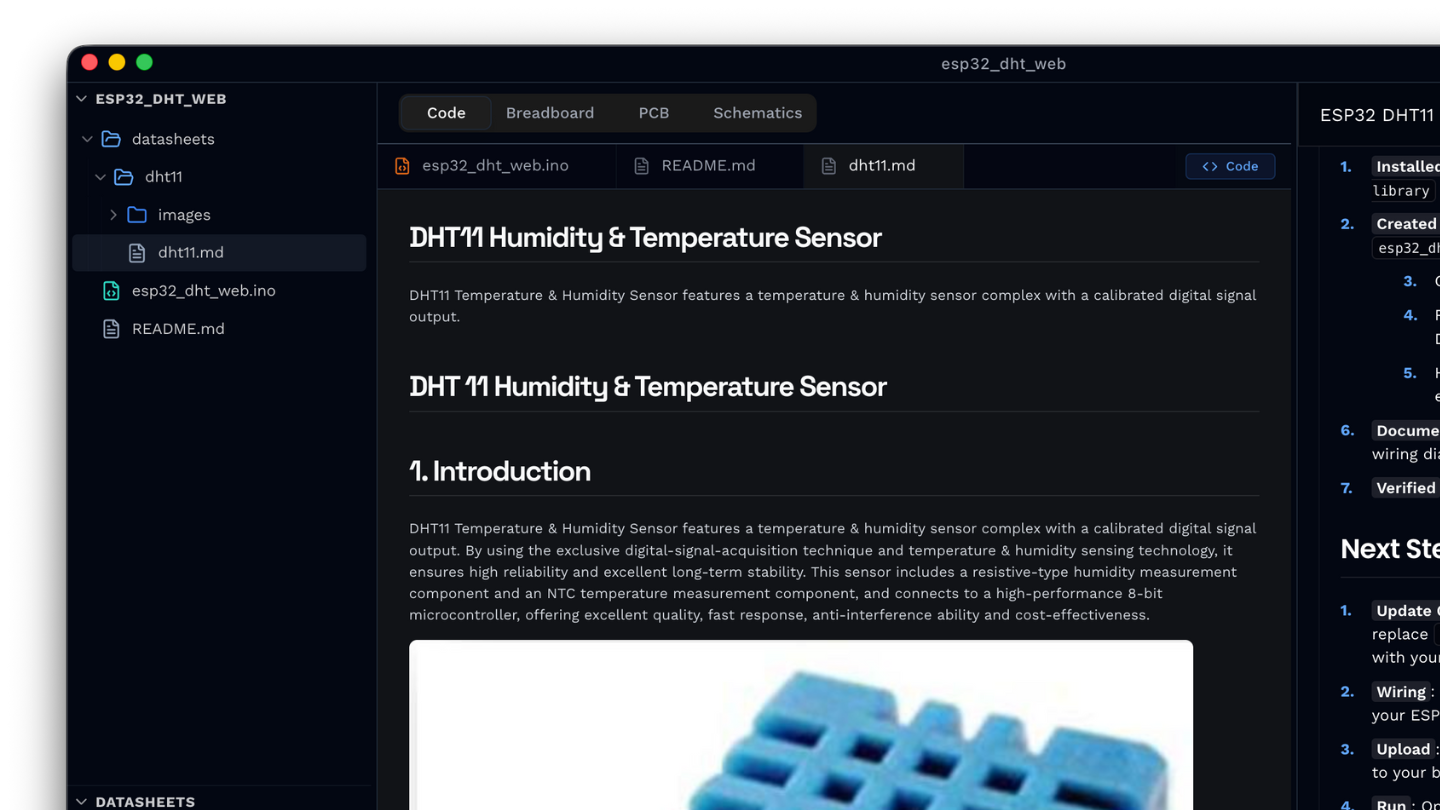
The "Bring Your Own Datasheet" (BYOD) feature in Embedr finaly solves the problem of keeping hardware documentation separate from your code. Instead of having a folder of PDFs open in another window, you can drag and drop a component's datasheet directly into the IDE.
Once you do, Embedr gets to work. Its AI document parser uploads and processes the PDF, generates a component name (like "ESP32-WROOM-32E"), extracts all the text into clean Markdown, and pulls out critical images like pinout diagrams, schematics, and wiring guides.
This organized content is then saved directly into your project's datasheets/ folder, making it a permanent, version-controlled artifact right alongside your source code. Finally, Embedr indexes the content for semantic search.
The core impact is that the datasheet's entire contents become directly searchable and, more importantly, available to the Embedr Agent. The AI now has the specific context of your components, allowing you to ask questions that were previously impossible for a generic coding assistant to answer.
"Help me connect this sensor based on its datasheet"
2. You Can Search Your Code by Concept, Not Just Keywords
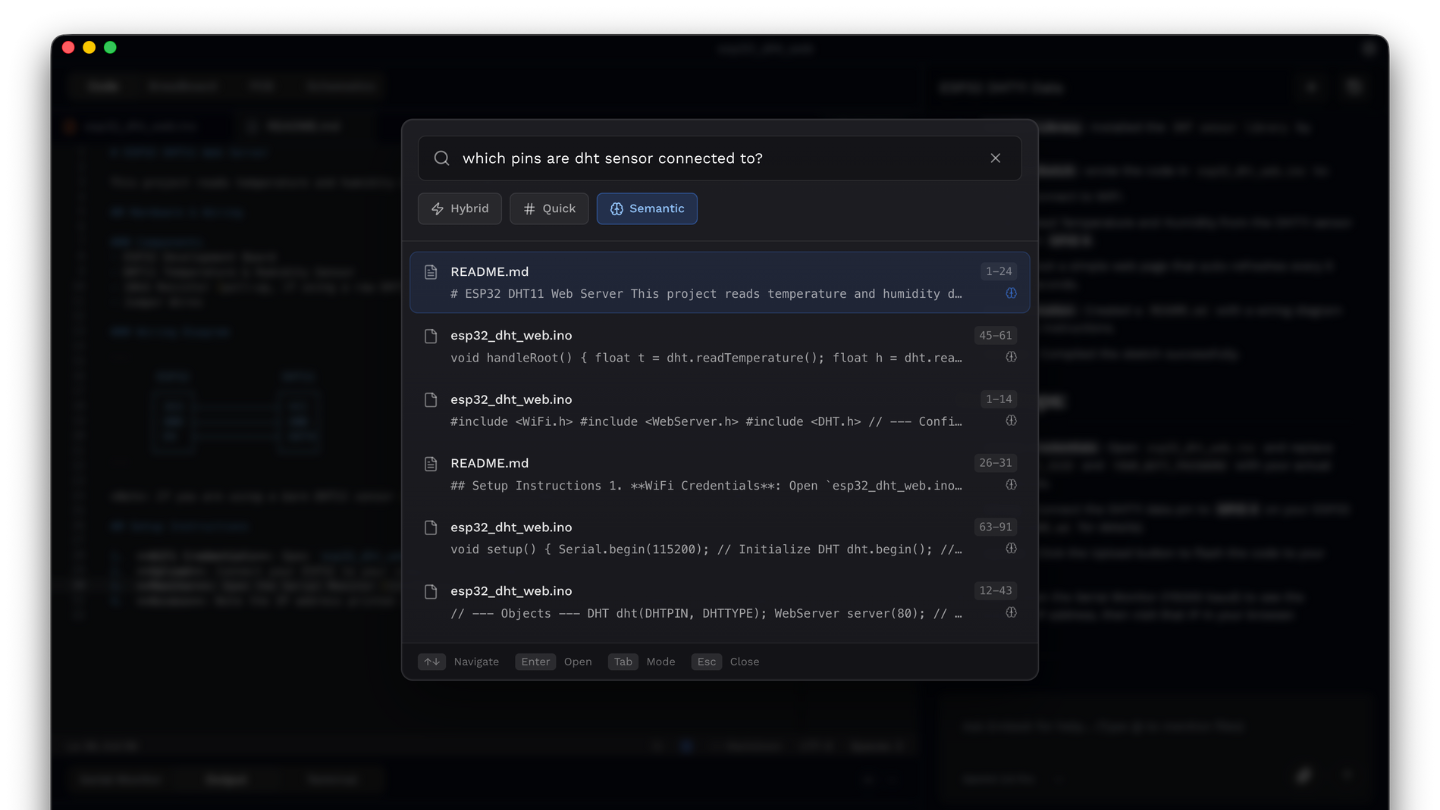
Traditional code search is literal. If you search for set_wifi_config, you will only find exact matches. But what if the function is named init_network() or configure_connection()? This is where Embedr's Codebase Indexing and semantic search create a massive leap in productivity.
Semantic search allows you to find code by describing what it does rather than matching the exact text. It understands the conceptual meaning behind your query and finds relevant code patterns, even if the function names or variables are different. To provide the best of both worlds, Embedr uses a hybrid search that blends this conceptual understanding with precise keyword matching, ensuring you find exactly what you're looking for. This feature also enables the Embedr Agent to automatically search your codebase to answer complex questions about its functionality.
You can now ask questions like:
- "Find the code that handles WiFi connection"
- "Where is the button debounce logic?"
- "Show me functions related to sensor calibration"
For developers jumping into large, existing projects or trying to remember their own logic from months ago, you're no longer just finding text; youre discovering the living architecture of your project.
3. The AI Is More Than a Copilot - It's an Active Participant
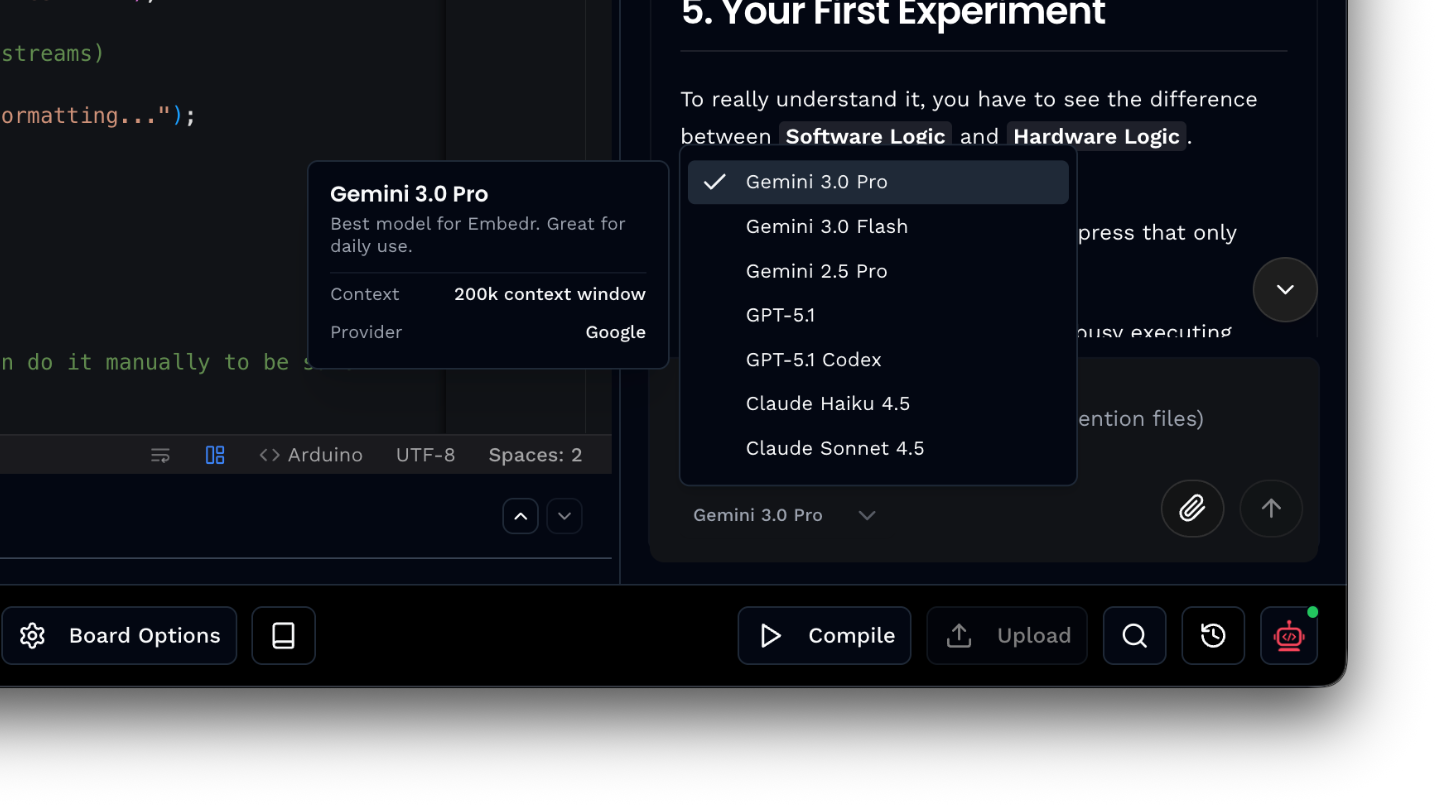
The most significant evolution is that the Embedr Agent is "agentic", it doesn't just suggest text; it can take action and use tools on your behalf. It is an active participant in your development workflow, capable of manipulating files, interacting with the build system, and even running terminal commands.
The Agent has access to a powerful set of tools that allow it to perform complex, multi-step tasks.
Code Tools
- Read/Write Files
- Grep Search
- Semantic Search
- Project Structure
Build Tools
- Compile Sketch
- Upload Sketch
- Select Board/Port
- Install Libraries
System Tools
- Terminal Commands (with approval)
- Serial Monitor
- Web Search
This isnt just a list of discrete functions; its a toolkit for executing complex, multi-step tasks. The agent can now orchestrate a workflow that was previously manual: it can perform a web search for a new sensor's library, install it using the library manager, read your main .ino file to understand its structure, and then write the necessary boilerplate code to integrate the new component.
This capability is perfectly illustrated by the "Fix with AI" button. When a compile fails, you no longer have to copy and paste cryptic error messages into a search engine. With a single click, the build errors are sent directly to the Agent, which analyzes the problem and suggests a solution. This tight integration of the AI into the core compile-debug loop transforms it from an assistant you consult into a partner that actively helps you build.
Your New AI Engineering Partner
These features, making datasheets AI-readable, enabling conceptual code search, and giving the AI access to development tools, signal a profound shift in software development. We are moving away from the era of passive AI assistants that simply offer suggestions and entering an era of active AI agents that participate in the entire hardware development workflow. They read documentation, analyze code, and operate your tools, all to help you achieve your goal faster and with less friction.
The question is no longer if your tools will become active partners, but how much you're willing to delegate to them. The future of embedded development is collaborative, and its already here.
Want to try Embedr? Download it here - it's free.