We've all been there. You're deep into a project, and you need to find that specific block of code you wrote last week. You know exactly what it does - it handles the button debouncing logic - but you cant for the life of you remember the function name, the variables you used, or even which file its in. So you resort to the classic "Ctrl+F" (or "Cmd+F"), cycling through variations of "debounce," "button," and "press" with mounting frustration.
This is the fundamental limitation of traditional text search: its literal. It finds exact strings of characters, not meaning or intent. It cant help you if you remember the concept but not the keyword. But what if our tools could bridge that gap? What if you could search your entire project, code, documentation, and all, by simply describing what you're looking for?
Search by Intent, Not Just by Keyword
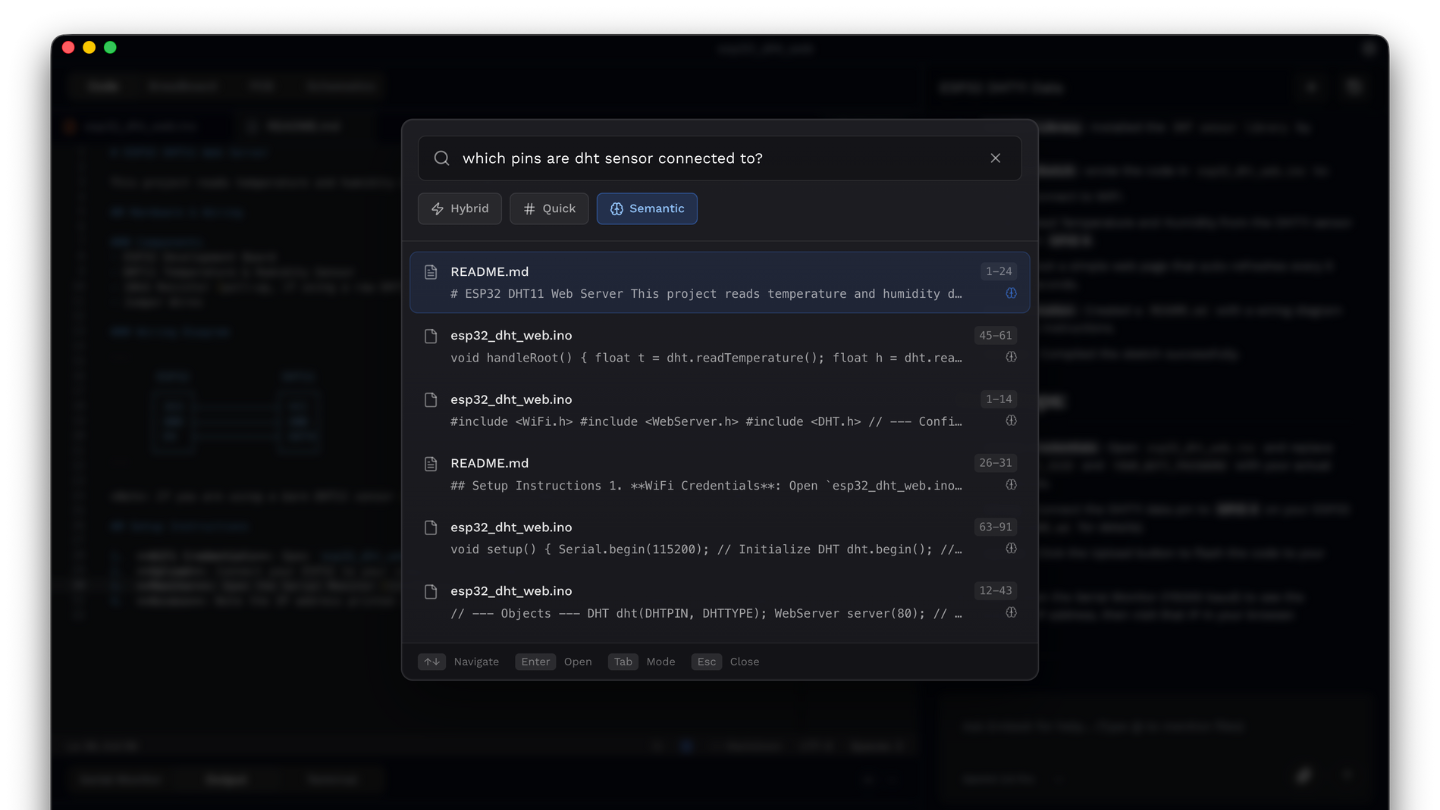
The core idea that changes this dynamic is semantic search. Instead of matching exact text, semantic search allows you to find code by describing its function or concept in natural language. Its the difference between searching for the string "debounce" and asking to find "the button debounce logic".
This technology creates an AI-powered index of your entire project, parsing not just your Arduino sketches (.ino) and C/C++ files (.c, .cpp, .h, .hpp), but also your markdown documentation (.md) and configuration files (.json). It doesnt just see a collection of characters - it understands the relationships and concepts within the code. This allows you to find "code by describing what it does" and match "code patterns by concept." But this conceptual understanding doesnt stop with your source files; it extends to the most critical context in any embedded project: the hardware itself.
Your Hardware Documentation Becomes Searchable, Too
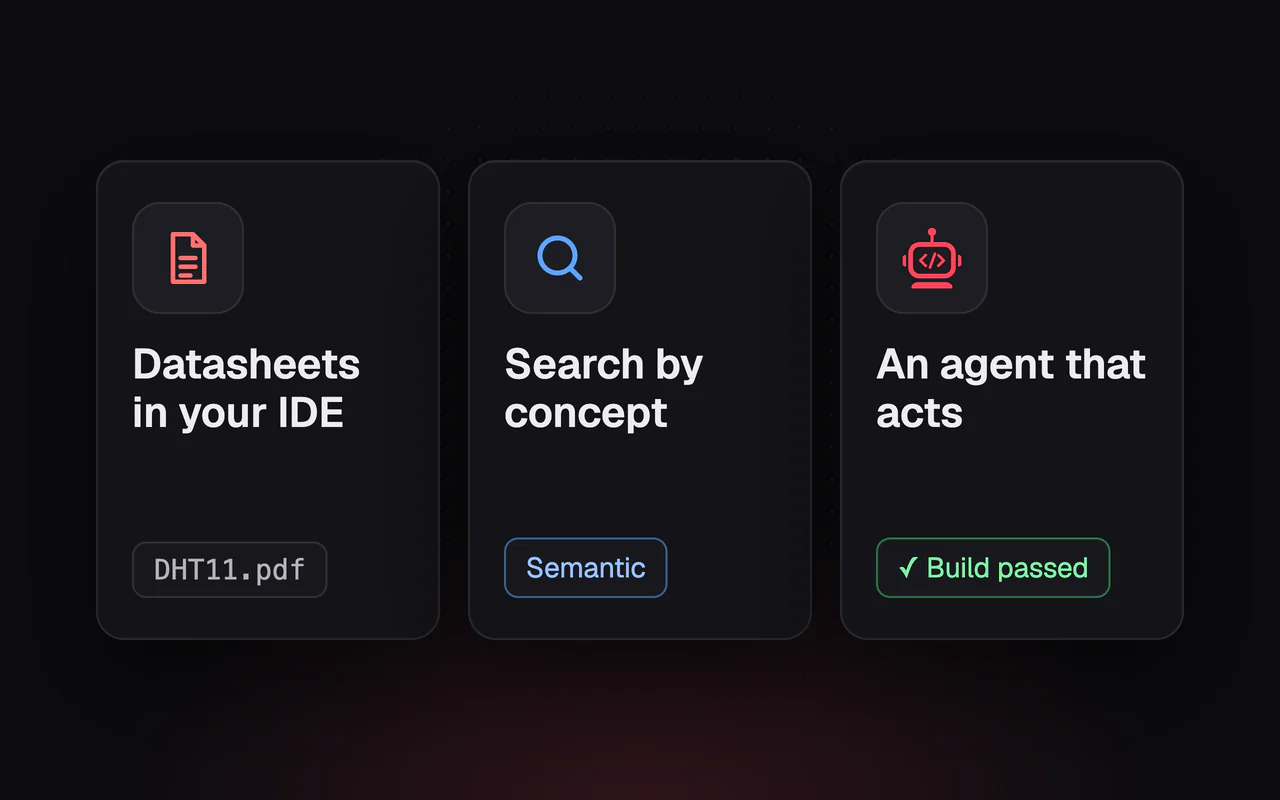
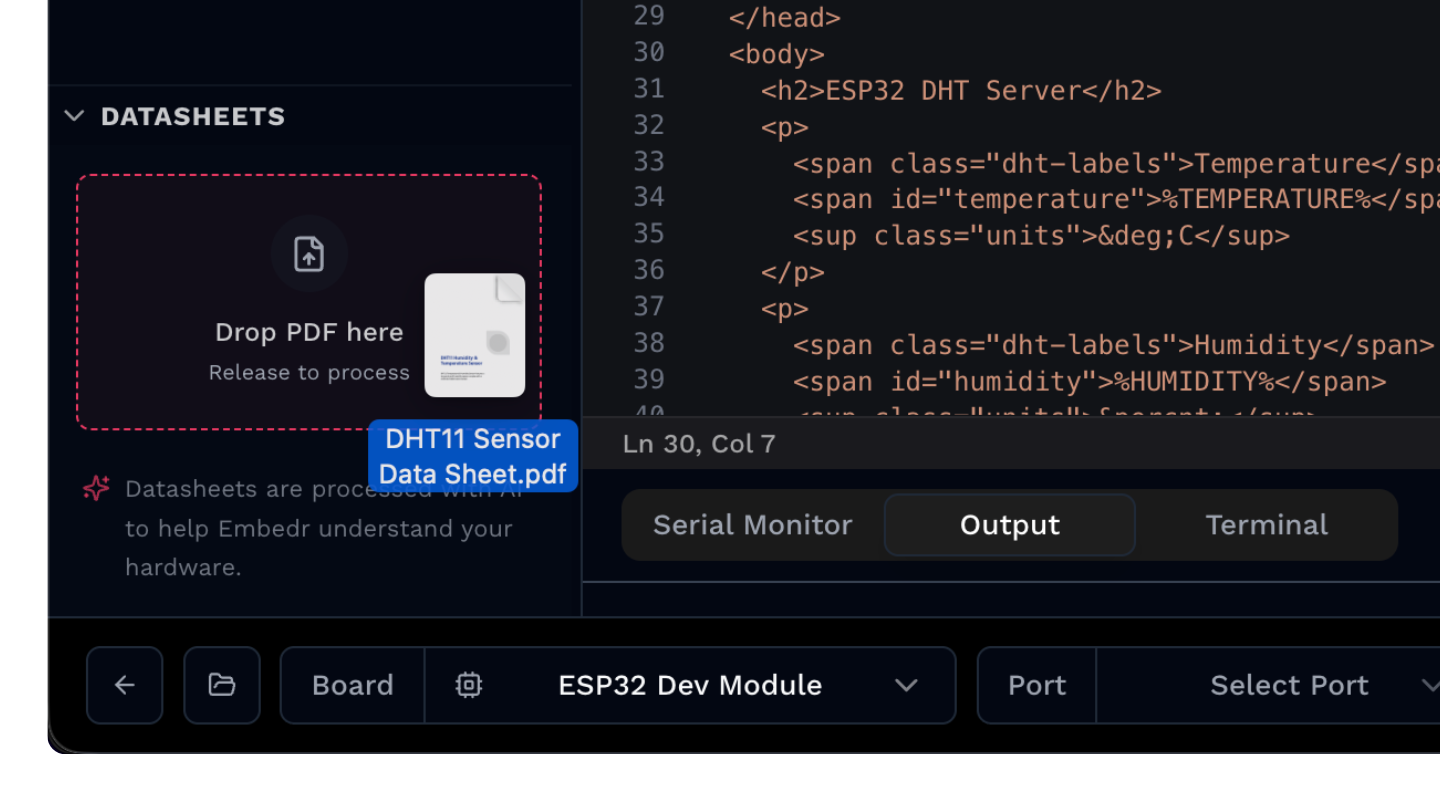
A feature called "Bring Your Own Datasheet" (BYOD) extends this powerful search capability to the hardware documentation that your code interacts with. The process is straightforward: you import a component's PDF datasheet directly into your project. Behind the scenes, an AI-powered system converts the text to markdown, extracts key images like pinout diagrams, and adds the resulting content to a new datasheets/ folder in your project's directory.
The outcome is a unified knowledge base where your hardware specifications are just as searchable as your code. You can now make queries that were previously impossible, asking about hardware details directly: "What are the GPIO pins on my ESP32 module?" or "Show me the I2C wiring for the BME280 sensor". Once your code and hardware documentation are linked in this single web of concepts, the final step is to change how you interact with it entirely.
Let an AI Assistant Do the Searching
This unified search is so powerful that you no longer have to manually trigger it through a "Search Palette" (⌘+Shift+F). Instead, the capability is integrated directly into the "Embedr Agent," a conversational AI assistant. This is more than just a search bar - semantic search is just one of the agent's many powerful "Code Tools," which exist alongside its ability to compile code, install libraries, and even execute terminal commands.
This shifts the burden of discovery from you to the tool. You simply state your intent in plain English, and the agent uses its understanding of your indexed project to locate the relevant snippets. The interaction feels less like searching and more like asking a knowledgable teammate for help.
Example queries you can try:
- "Find the code that handles WiFi connection"
- "Where is the button debounce logic?"
- "Show me functions related to sensor calibration"
From Text Files to a Web of Concepts
Semantic search represents a fundamental shift in how we interact with our projects. It elevates a codebase from a simple collection of text files in a directory to an interconnected web of concepts, where code and hardware documentation are linked by meaning. We move from remembering exact keywords to recalling intent, making our development workflow more intuitive and efficent.
This is more than just a better "Ctrl+F." Its a step toward tools that genuinely understand the context of our work. If our tools can understand the 'what' and 'why' of our code, what other parts of the development process are ready to be reinvented?
Want to try Embedr? Download it here - it's free.