
Today, we're launching Voice Mode in beta: a more natural way to start, guide, and follow engineering work in Embedr.
Building rarely happens with both hands resting on a keyboard. You might be wiring a board, inspecting a model, watching the serial monitor, or thinking through the next change. When an idea arrives, describing it out loud can feel more natural than stopping to turn it into a carefully written prompt.
We started with a simple ambition: every builder should have their own personal JARVIS or F.R.I.D.A.Y. Not an imitation of a fictional character, but a capable presence that understands the work, stays aware of what is happening, and is ready when needed.
Watch Introducing Voice Mode on YouTube.
More Than Voice Input
Most voice interfaces are another way to fill a text box. You speak, your words appear in a field, and the rest of the experience remains unchanged.
Embedr Voice is designed differently. It understands the state of your current project and works with the same Embedr Agent you already use. It can tell whether you are asking a question, assigning new work, changing direction while the agent is running, or asking it to stop.
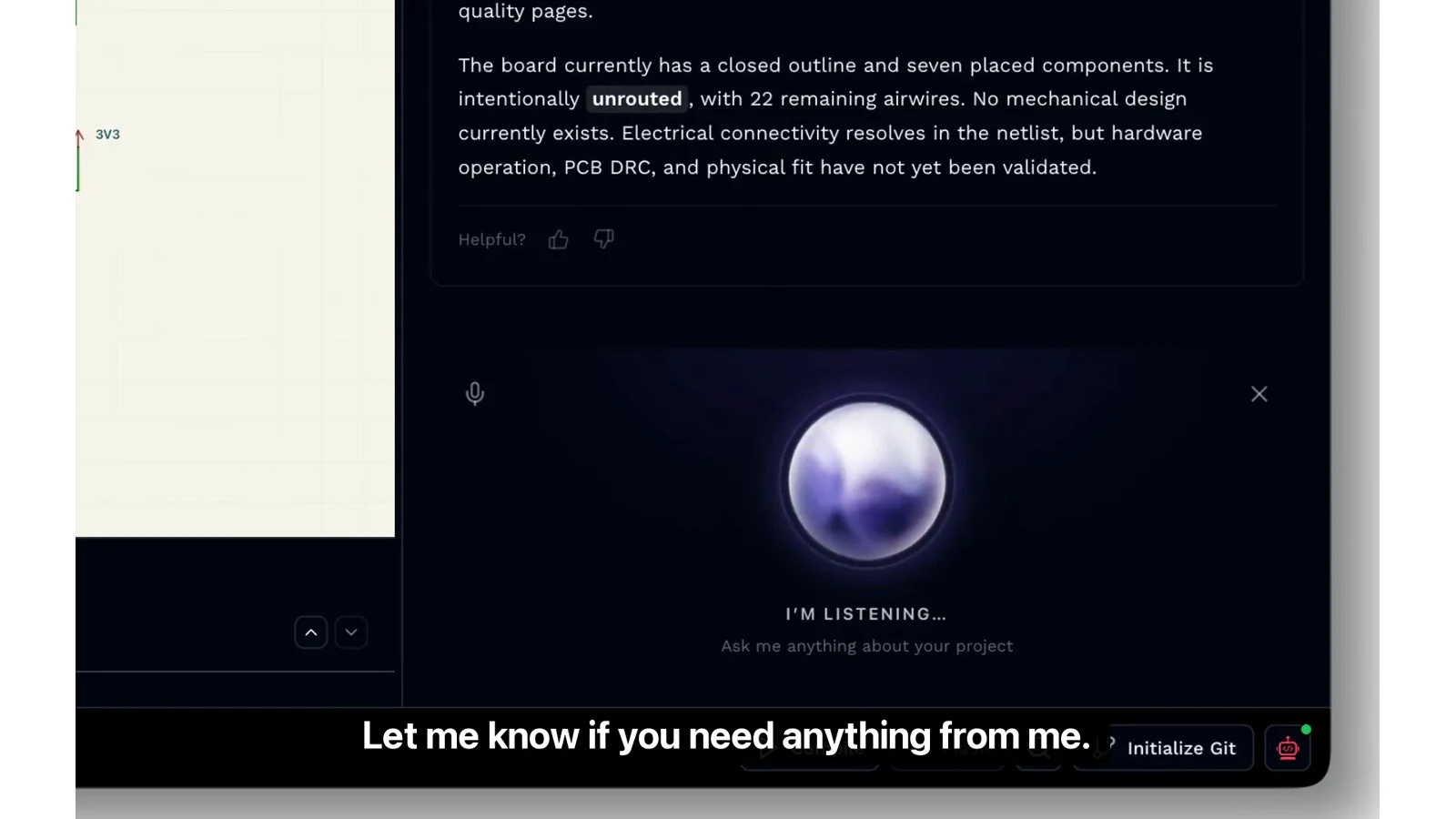
Your spoken request remains connected to the active project, task, selected target, and engineering context already available inside Embedr. You should not have to explain your project again just because you switched from typing to speaking.
From an Unfinished PCB to a Physical Design
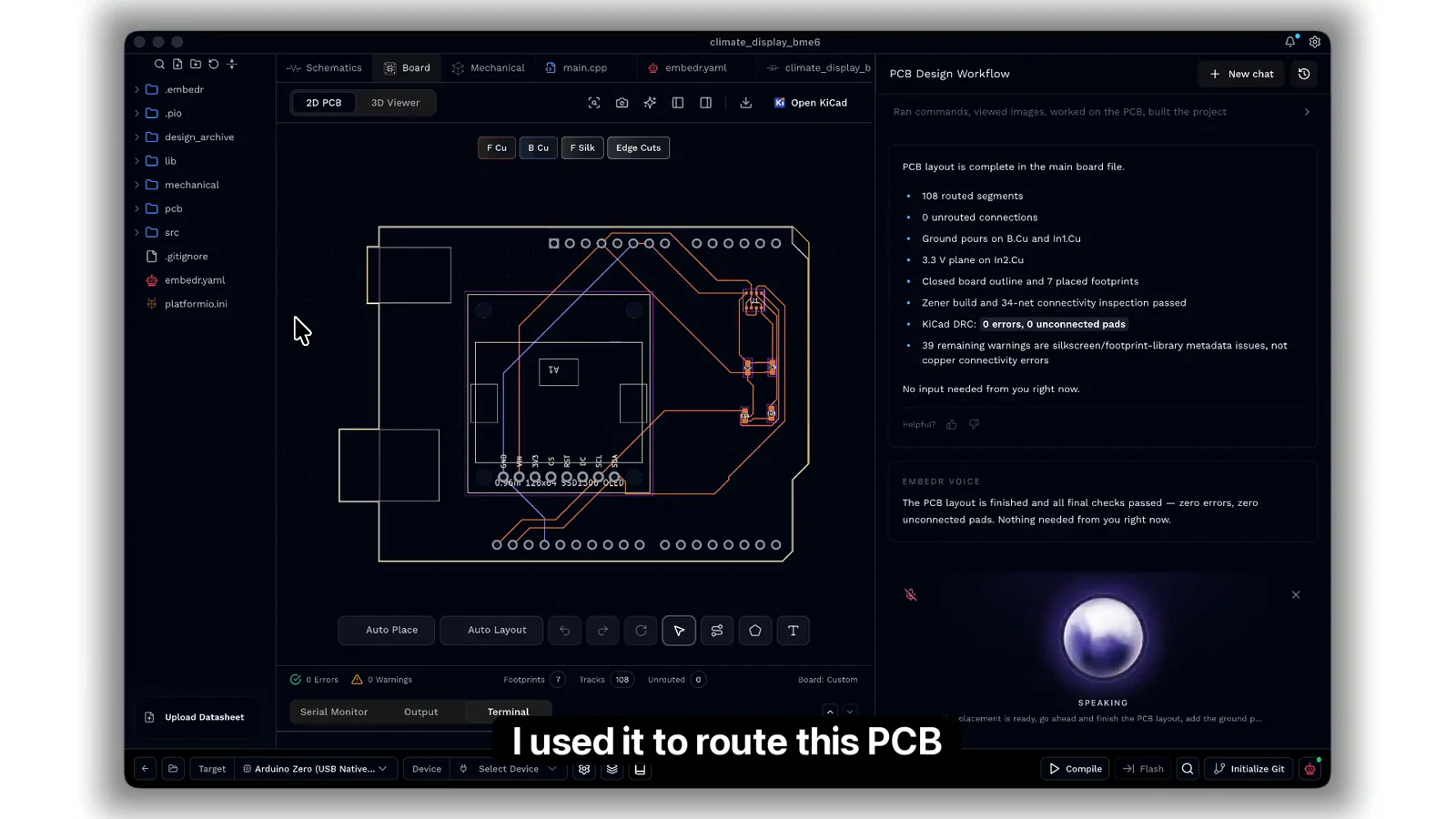
The demo above begins with a climate display shield for the Arduino Zero. The agent has already placed the components, but the board still has 22 unrouted connections.
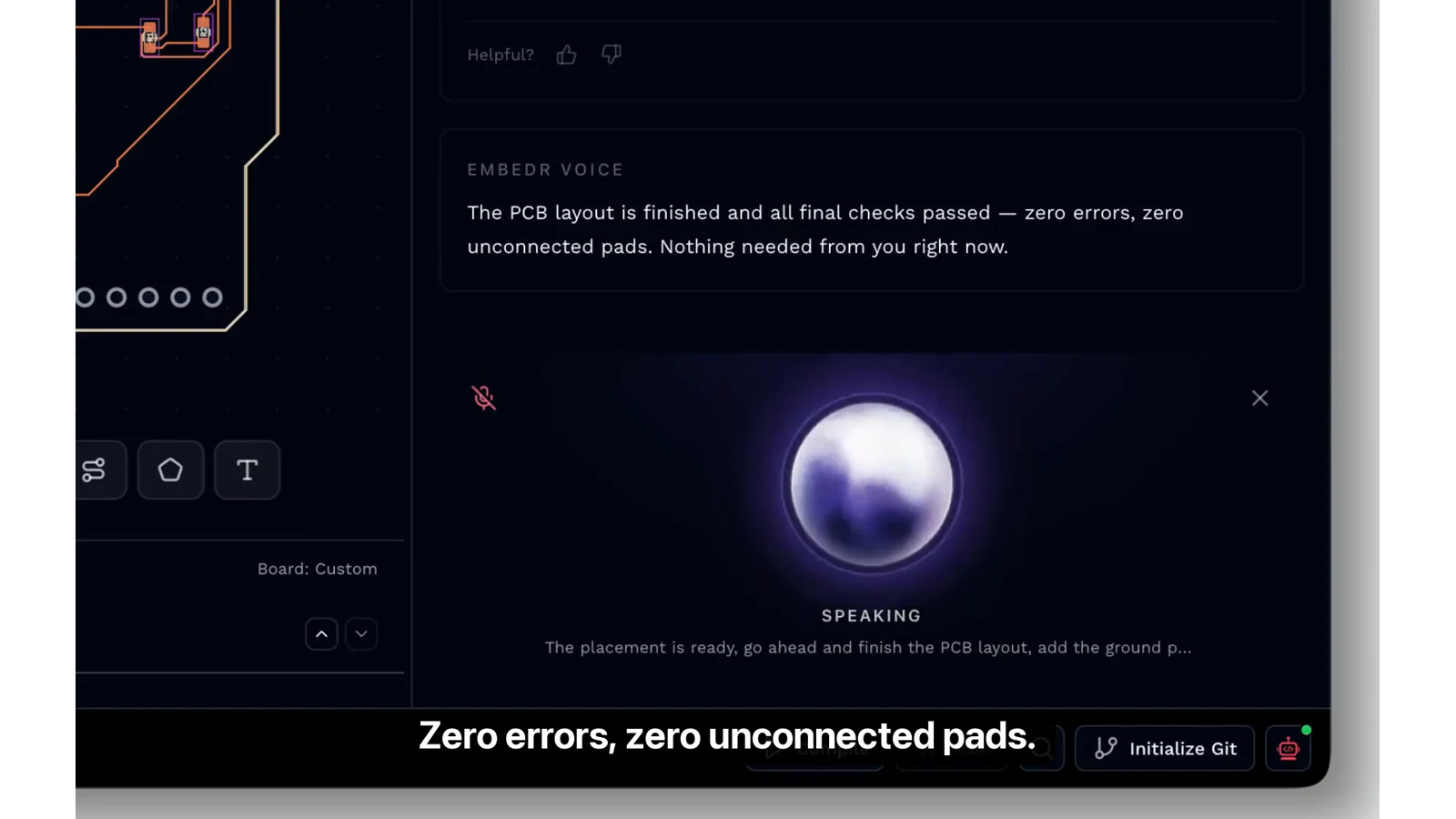
We ask Voice Mode to finish the PCB layout, add the ground pour, and run the final checks. Embedr passes the request to the agent and keeps us informed while it works. The result is a completed board with zero errors and zero unconnected pads.
Then the project moves from electronics to mechanics. We ask Embedr to use the finished board to design a two-part, 3D-printable enclosure. The OLED needs to remain visible, the sensor needs ventilation, and the Arduino's USB and power connectors must stay accessible.
Those requirements are much easier to express as a thought than as a sequence of UI operations. Voice Mode turns that thought into an actionable task for the agent, which produces a board-aware enclosure and validates both STL files.
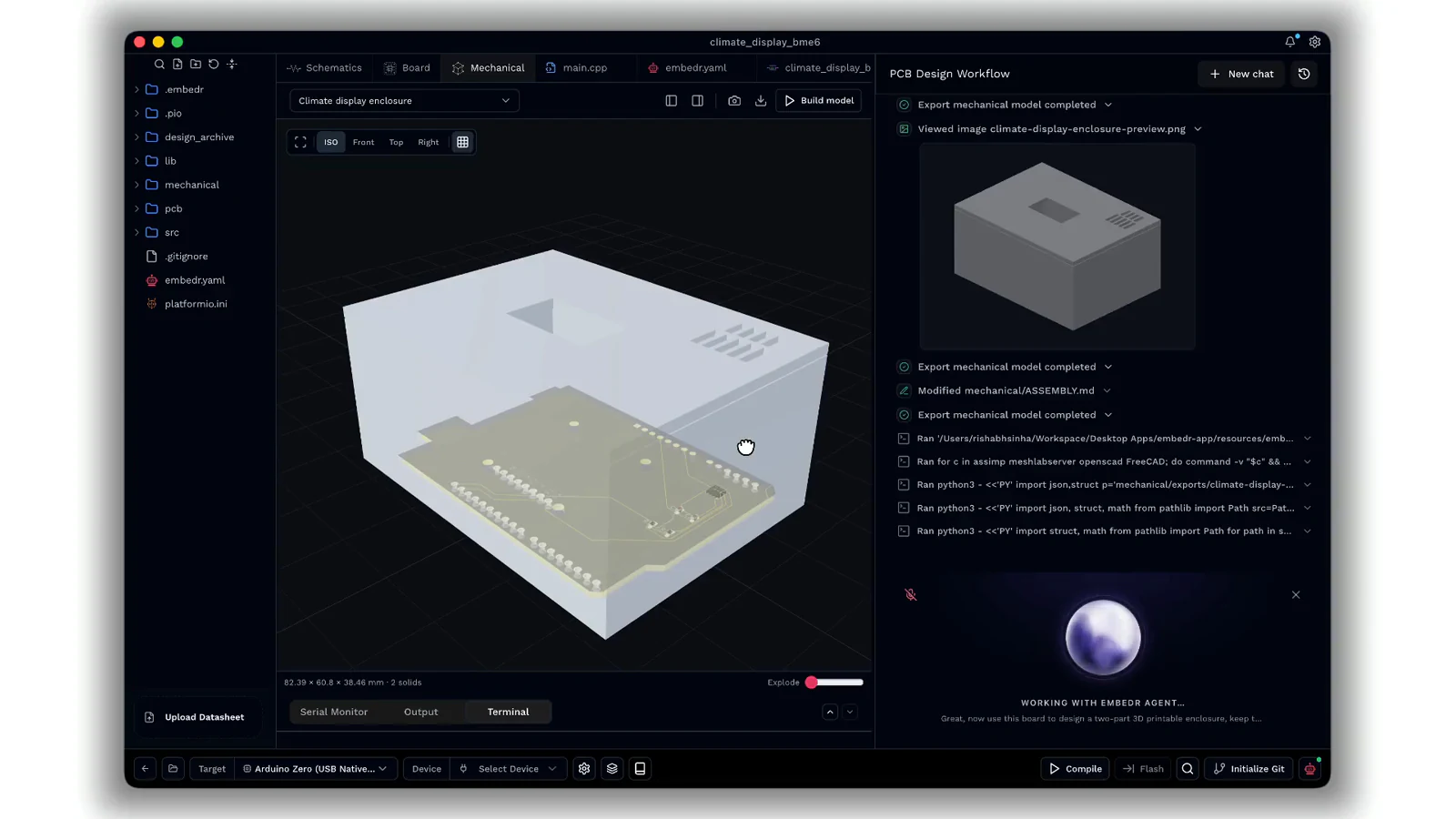
One conversation moves the project from a placed PCB to a routed board and a printable enclosure—without typing a prompt.
Built Around Work in Progress
Voice Mode is a companion to Embedr Agent, not a separate assistant with a separate conversation. That distinction matters when the work changes.
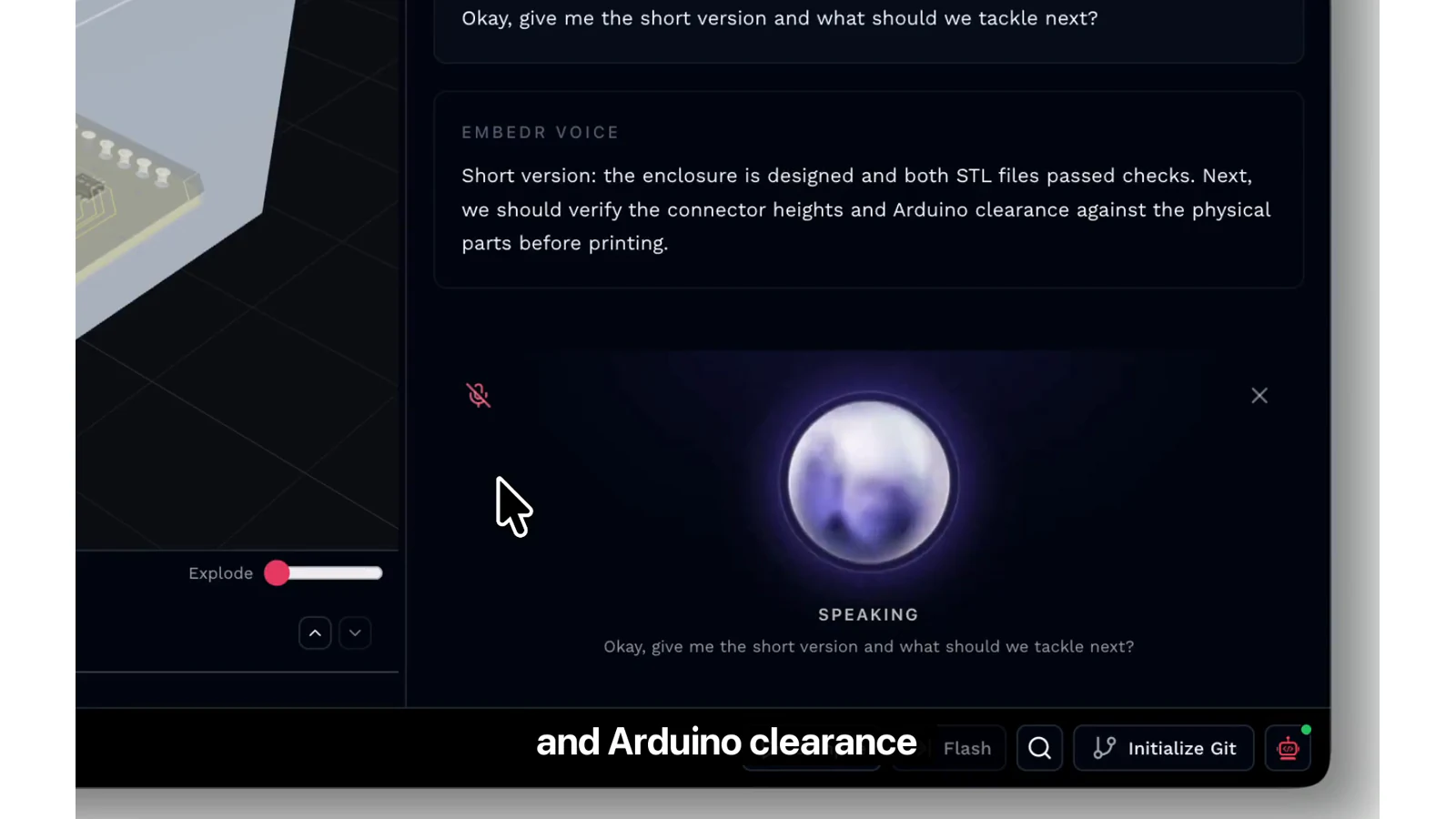
You can start a task while the agent is idle, redirect it while it is working, stop work that is no longer needed, or ask for the short version when it finishes. Voice Mode responds concisely while keeping the detailed result available inside Embedr for inspection.
Approvals remain visible inside Embedr. When the agent needs your authorization, Voice Mode brings you back to the app so you can review the request and make the decision yourself.
When you minimize Embedr during an active voice session, Voice Mode moves into a compact floating orb. Its motion reflects whether Embedr is listening, thinking, working, or speaking. You can mute the microphone, interrupt a spoken response, return to the project, or close Voice Mode at any time.
A Voice of Its Own
We wanted Embedr Voice to feel capable without becoming performative. Its personality is calm, concise, perceptive, and confident. It speaks when there is something useful to add and stays quiet when the agent should simply continue working.
The goal is not to make your computer talk more. It is to make interacting with it feel more natural.
Mechanical design is where this interaction becomes especially compelling. Changes that are cumbersome to encode through menus and parameters can be remarkably easy to describe: make a wall thicker, move a mounting point, add connector clearance, or change the way two parts fit together. We are continuing to deepen that conversational workflow across Embedr.
Starting in Beta
Voice interaction has to feel right, not merely function. Turn-taking, interruptions, response speed, language support, reliability, and how much information is spoken back all shape whether the experience feels natural. We will continue improving each of these throughout the beta.
Voice Mode is governed by Embedr's existing privacy policy and includes visible controls for muting or ending a session.
Try Voice Mode
Voice Mode is available to paid users on the Hobby and Pro plans.
Update to the latest version of Embedr, open a project, and select the microphone in the agent composer to begin. If you are currently using the free plan, you can upgrade to Hobby or Pro to try it.
Voice is a new way to interact with Embedr, but it points toward something larger: tools that understand what we are building and let us direct the work in the way that comes most naturally.
Sometimes, that starts with simply saying what you want.